First steps after your workspace is ready
Updated
Where: Getting started > First steps after your workspace is ready
- Sign in to your workspace (see "Signing in").
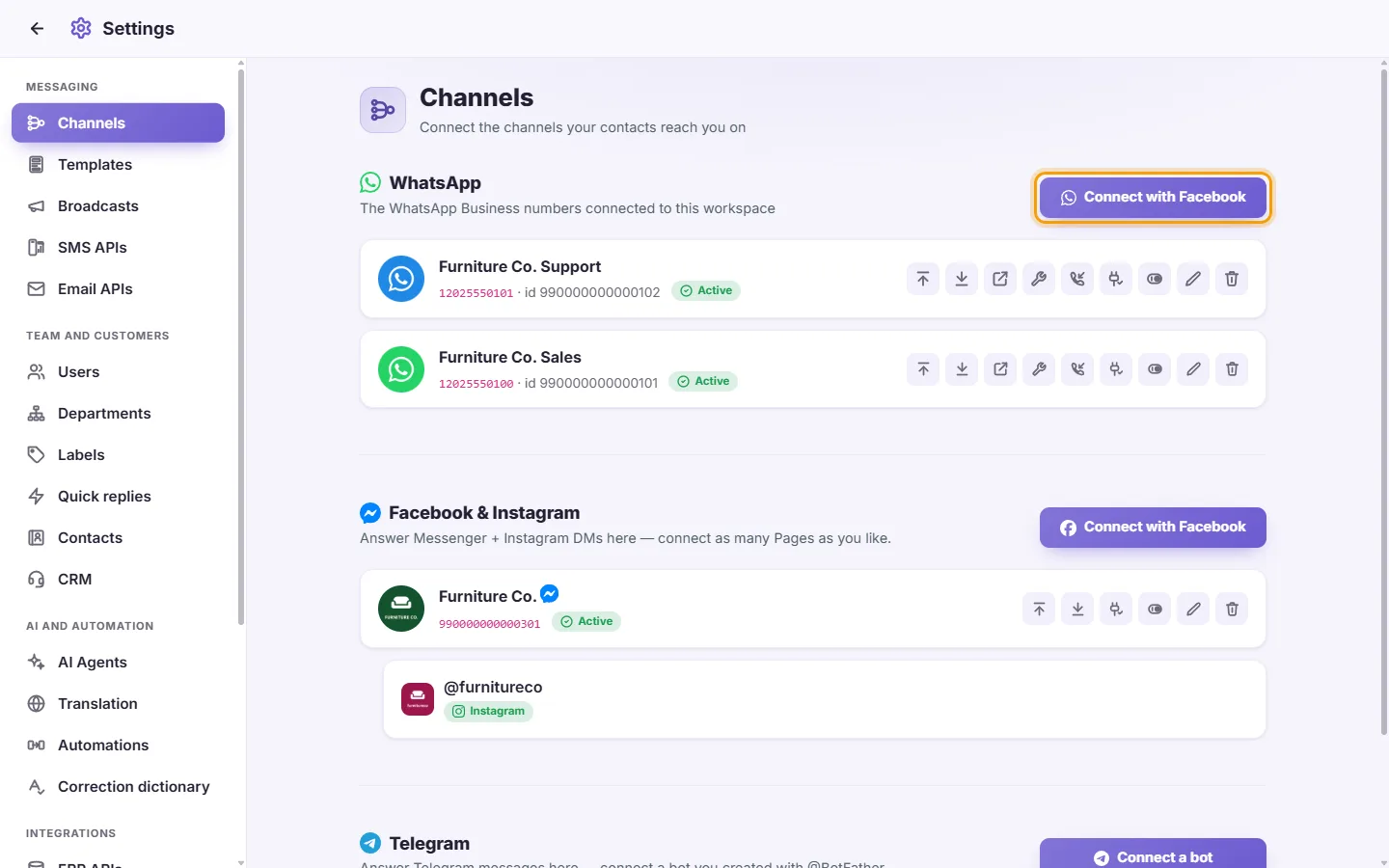
- Connect your first channel: open Settings > Messaging > Channels and add your WhatsApp number, Facebook Page, Instagram account, or another channel. A computer is best for this.
- Add your team: open Settings > Team and customers > Users, add each person, and choose what each one is allowed to do.
- Optional: turn on two-step verification for your own account (see "My profile > Two-step verification").
Can I bring my existing WhatsApp conversations into SyBox?
When you connect your existing business number, your contacts and up to 6 months of conversation history can be imported.