How do I add a contact field in SyBox?
Updated
In SyBox, this is done in Settings > Team and customers > Contact fields.
How to add a contact field
- Go to Settings > Team and customers > Contact fields and click "New field".
- Type the "Name".
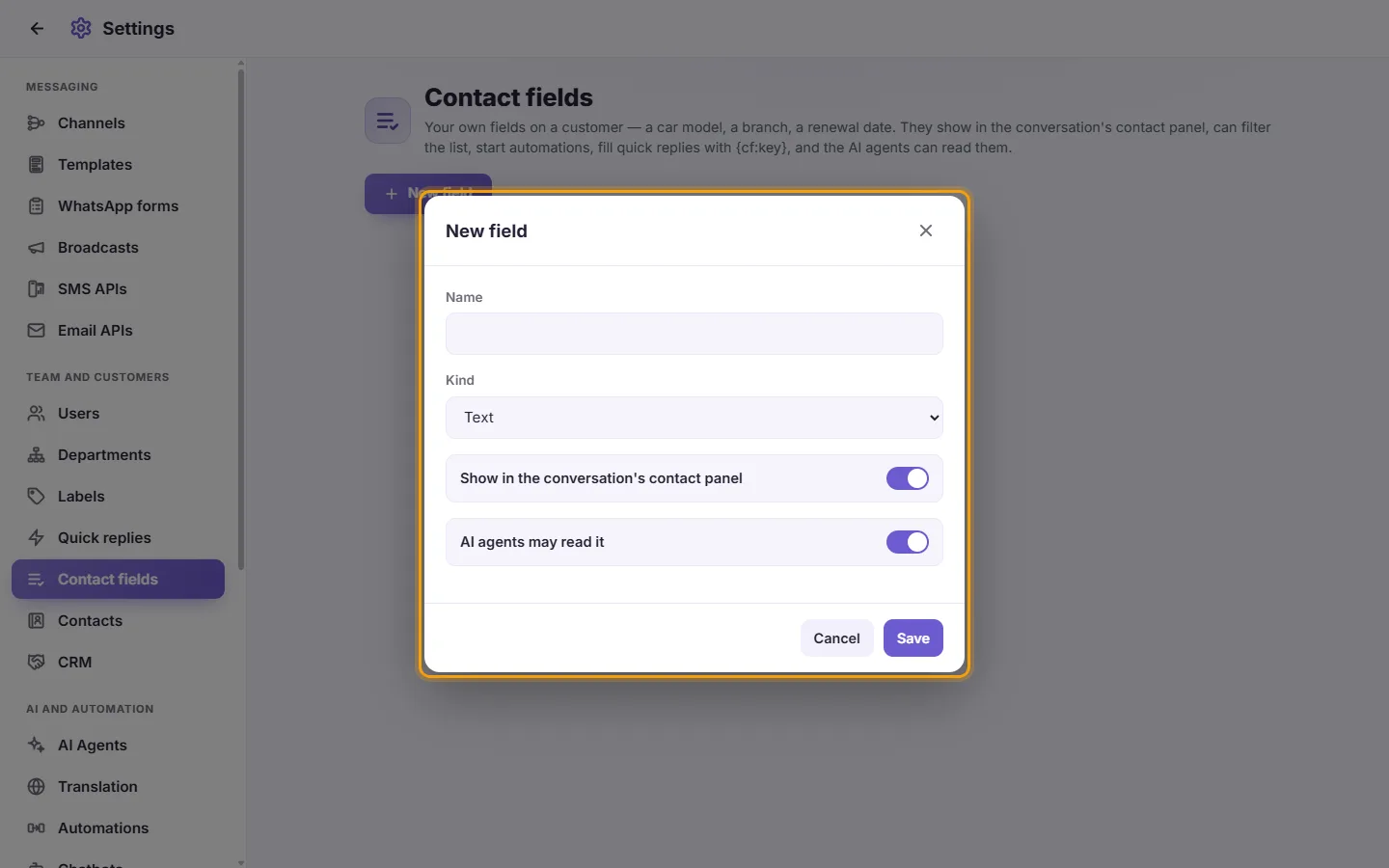
- Choose the "Kind": "Text", "Number", "Date", "Dropdown" or "Yes / No". For a dropdown, type the "Choices, one per line".
- Leave "Show in the conversation's contact panel" on to see it there, and "AI agents may read it" on to let your agents use it.
- Click Save. The card shows the field's kind and its key, for example {cf:car_model}.
Once any customer has a value in a field, its kind cannot change: "This field already holds customers' values, so its kind cannot change." Deleting a field asks "Delete this field? Every customer's value in it is deleted too."
More about Contact fields.