How do I test an email account in SyBox?
Updated
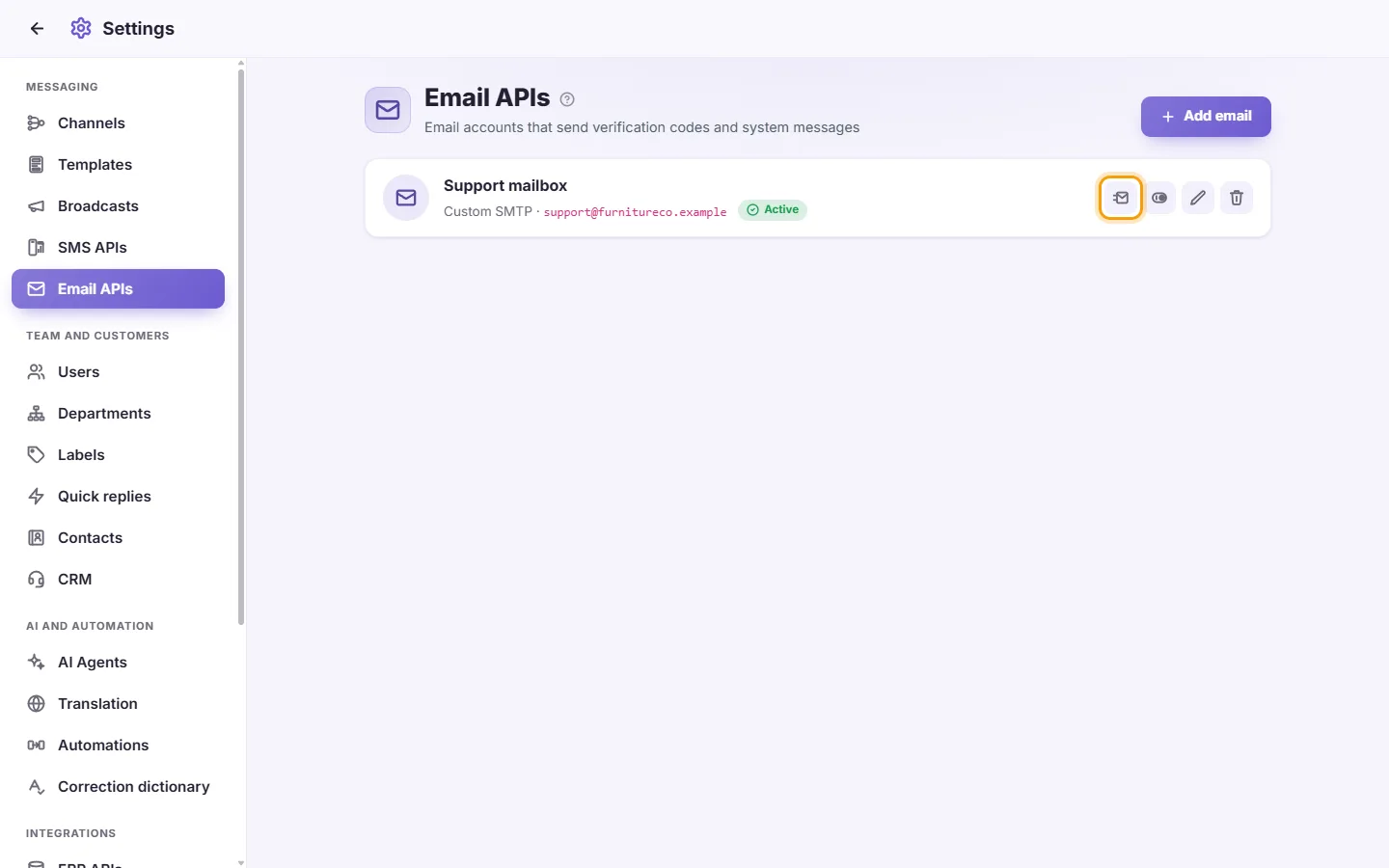
In SyBox, this is done in Settings > Messaging > Email APIs. Click "Send a test email" (the send icon) on the card. SyBox sends a test message to the account's own address. "Test email sent to the account's own address ✓" means it works. Otherwise the error is shown. The test can take a few seconds.
How to test an email account
- Click "Send a test email" (the send icon) on the card. SyBox sends a test message to the account's own address. "Test email sent to the account's own address ✓" means it works. Otherwise the error is shown. The test can take a few seconds.
More about Email APIs.