How do I delete a label in SyBox?
Updated
In SyBox, this is done in Settings > Team and customers > Labels. 1) Click the bin (Delete) on the label. 2) Confirm "Delete this label?". 3) The label is removed from every customer and conversation that had it.
How to delete a label
- Click the bin (Delete) on the label.
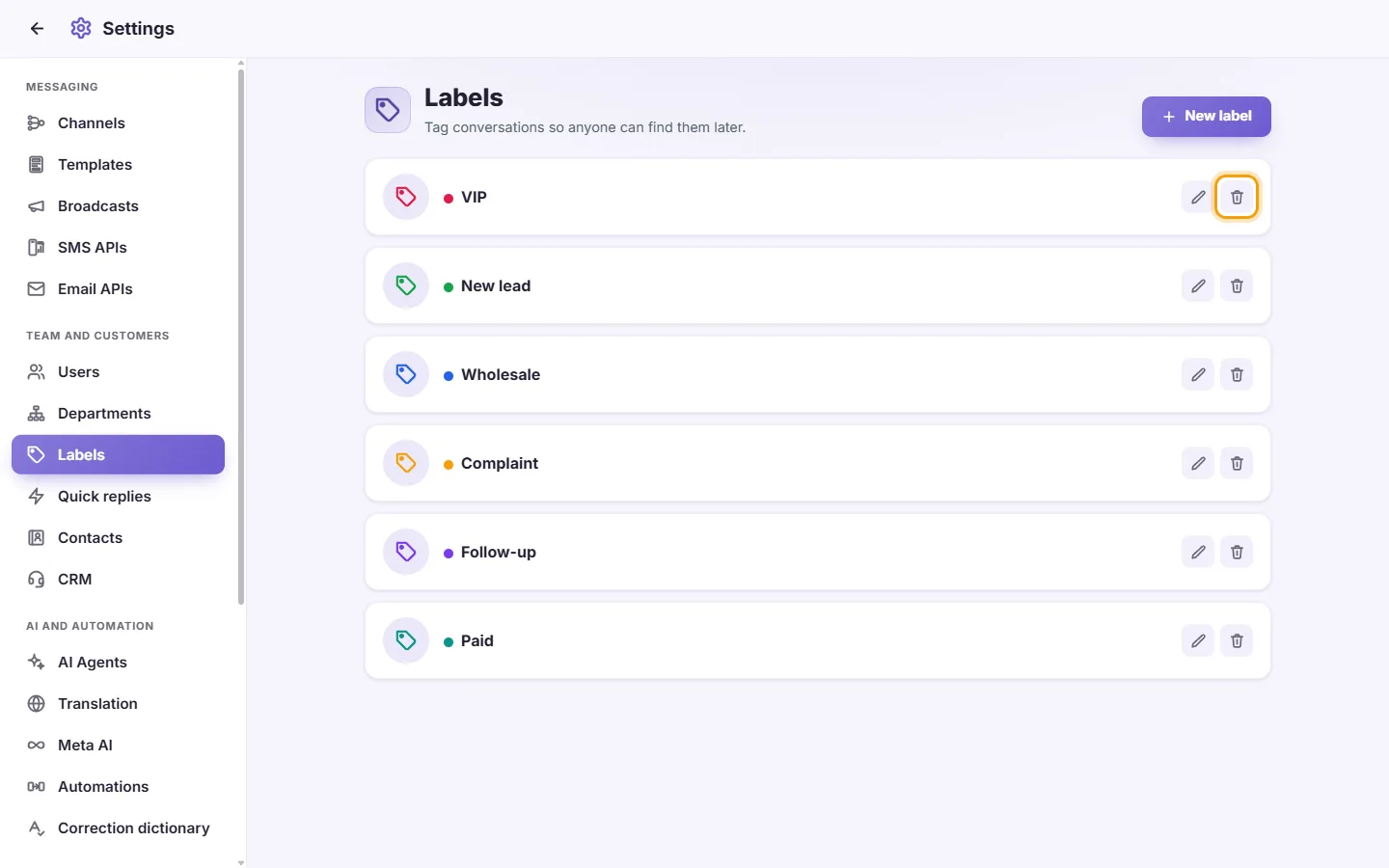
- Confirm "Delete this label?".
- The label is removed from every customer and conversation that had it.
Questions
Who can put labels on conversations?
Users with the "Assign labels to contact" permission. To see labels on conversations and filter by them, a user needs "View labels".
An agent can't see any labels.
Make sure they have the "View labels" permission in Settings > Users.
The list says "No labels yet".
No labels have been created yet. Click "New label" to add one.
More about Labels.