How do I see the results in SyBox?
Updated
In SyBox, this is done in Settings > Messaging > Broadcasts. 1) Click Results on a broadcast that has started. 2) Each recipient is shown as sent, failed or pending. Failed ones show the reason. 3) Click "Export to a spreadsheet" to download the full list with name, phone, status, reason and sent time.
How to see the results
- Click Results on a broadcast that has started.
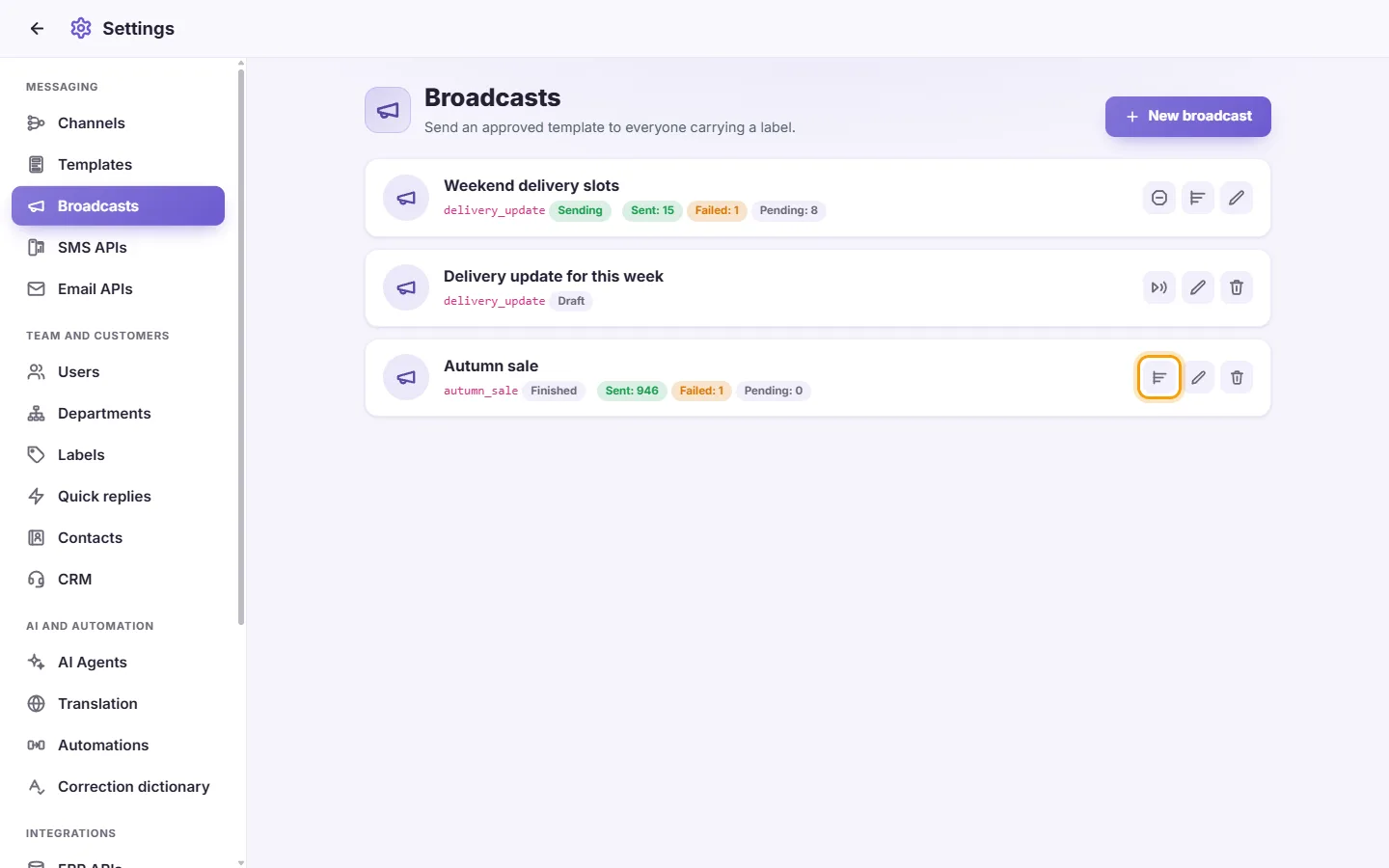
- Each recipient is shown as sent, failed or pending. Failed ones show the reason.
- Click "Export to a spreadsheet" to download the full list with name, phone, status, reason and sent time.
Questions
Can I send a broadcast to Messenger, Instagram or Telegram contacts?
No. Broadcasts use WhatsApp templates and go only to contacts with a phone number.
More about Broadcasts.