How do I start sending in SyBox?
Updated
In SyBox, this is done in Settings > Messaging > Broadcasts. 1) Click "Start sending" (the send icon) on a Draft. 2) The confirmation shows the campaign name and the number of recipients. Sending cannot be undone once it starts. 3) Confirm. The status changes to Sending. The card shows Sent, Failed and Pending counts and refreshes by itself while it runs.
How to start sending
- Click "Start sending" (the send icon) on a Draft.
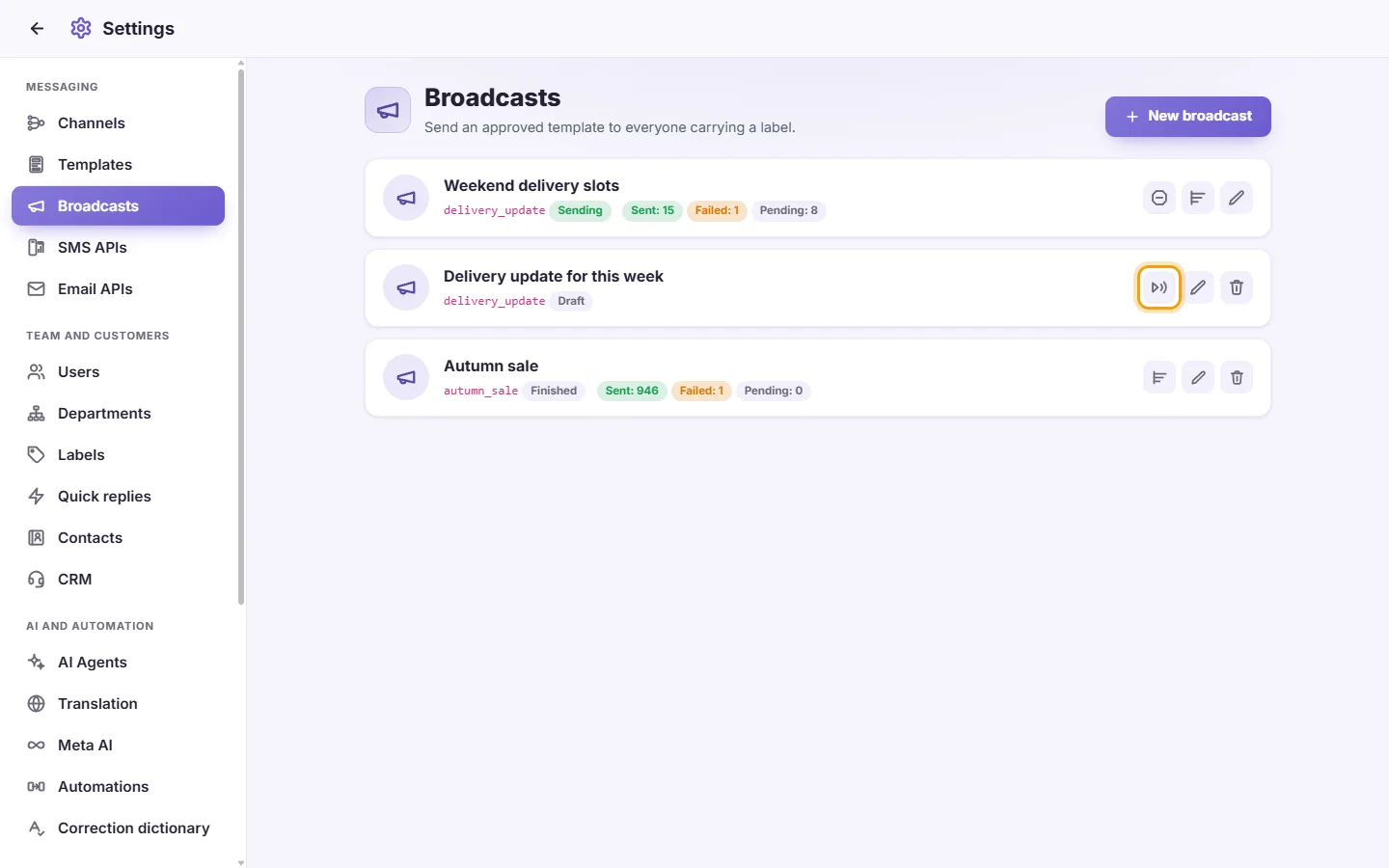
- The confirmation shows the campaign name and the number of recipients. Sending cannot be undone once it starts.
- Confirm. The status changes to Sending. The card shows Sent, Failed and Pending counts and refreshes by itself while it runs.
Questions
Can I send a broadcast to Messenger, Instagram or Telegram contacts?
No. Broadcasts use WhatsApp templates and go only to contacts with a phone number.
More about Broadcasts.