How do I send a form in a conversation in SyBox?
Updated
In SyBox, this is done in Settings > Messaging > WhatsApp forms.
How to send a form in a conversation
- In a WhatsApp conversation, click the paperclip and choose "Send a form".
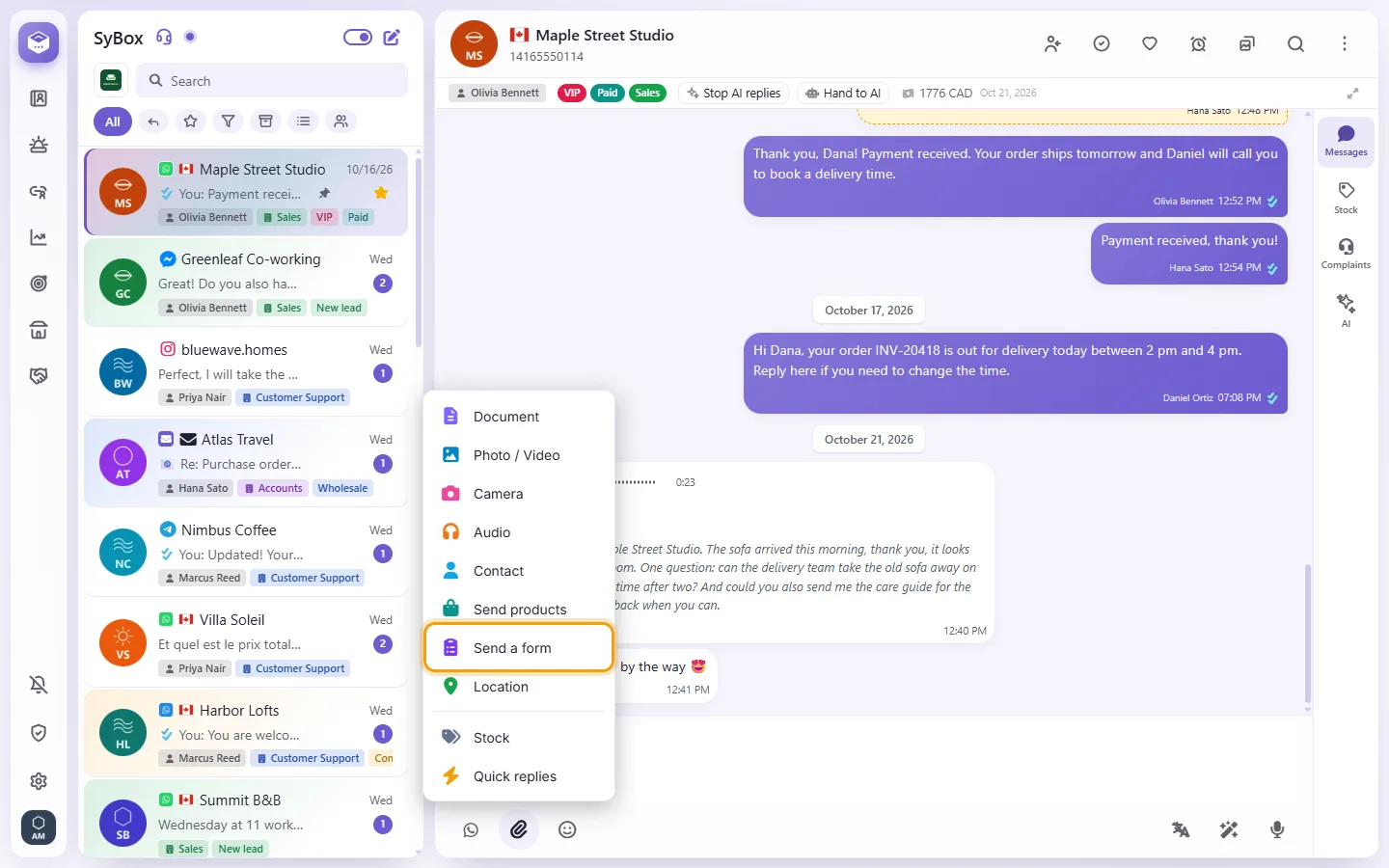
- Pick the form, type the "Button (20 letters)" the customer taps (empty means "Open the form"), and an optional "Message (optional)".
- Click "Send". The conversation shows the form you sent. When the customer submits it, their answers arrive as a message, one "Question: answer" line each.
A form can be sent only inside the 24-hour window, and only a form published on the number the conversation is on. If none is, you see "No published forms yet. Make one in Setup › WhatsApp forms."
More about WhatsApp forms.