How do I see and edit a contact in SyBox?
Updated
In SyBox, this is done in Inbox > The contact panel. 1) In an open conversation, click the customer's name or picture at the top. The "Contact info" panel opens. 2) You can: 3) Click "Save". 4) Click "Full profile" for more details. The full profile has linked numbers ("Link a number"), business details (company, job title, website, tax number, address, city), "Preferred language", "Marketing opt-in", birthday, map location, activity, and "Media & files". 5) "Note for…
How to see and edit a contact
- In an open conversation, click the customer's name or picture at the top. The "Contact info" panel opens.
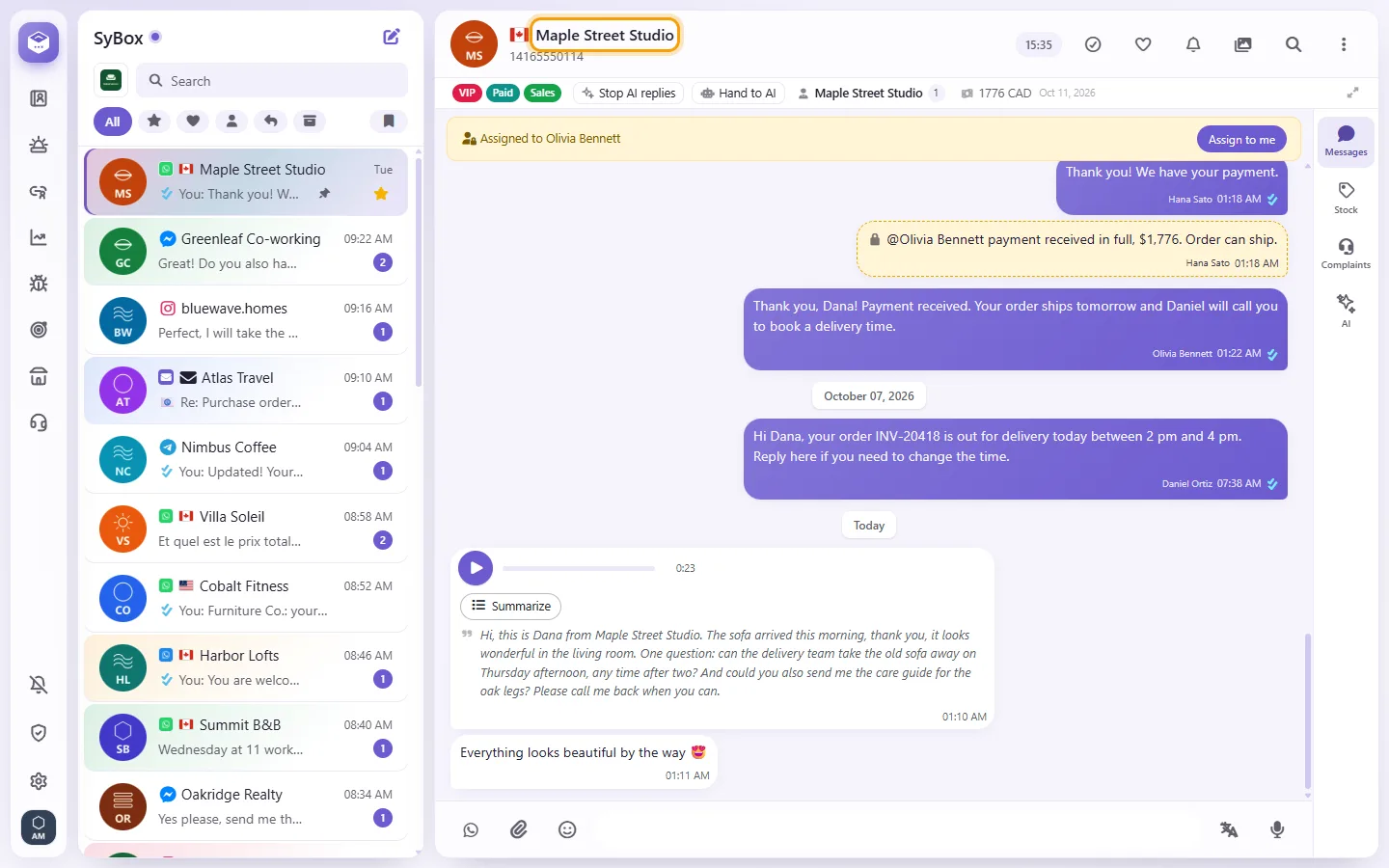
- You can:
- change the "Name" (an empty name shows "Add a name")
- see the "Number", with copy and call buttons (on Messenger or Instagram you can type a phone number instead)
- see or add an "Email"
- edit "Labels" and "Departments"
- write "Notes" (seen by your team only)
- change the contact's picture
- star the conversation
- Click "Save".
- Click "Full profile" for more details. The full profile has linked numbers ("Link a number"), business details (company, job title, website, tax number, address, city), "Preferred language", "Marketing opt-in", birthday, map location, activity, and "Media & files".
- "Note for the AI": in the full profile, under the notes. Whatever you write here is given to your AI agent with every message from this customer, along with the names of their labels and departments. Example: "VIP wholesale customer, always offer the dealer price list." Your team's normal Notes are never sent to the AI.
Questions
What is the difference between Notes and Note for the AI?
Notes are private to your team and are never sent to the AI. Note for the AI is read by your AI agent every time it answers this customer.
Auto-translate says "No language set for this contact".
Outgoing translation needs the customer's language. Set "Preferred language" in the contact's profile.
More about The contact panel.