How do I send a file with a quick reply in SyBox?
Updated
In SyBox, this is done in Settings > Team and customers > Quick replies.
How to send a file with a quick reply
- In the quick reply's form, under "File sent with the reply", click "Attach a file" and pick the file (a price list, a brochure, a photo). "Remove" takes it off.
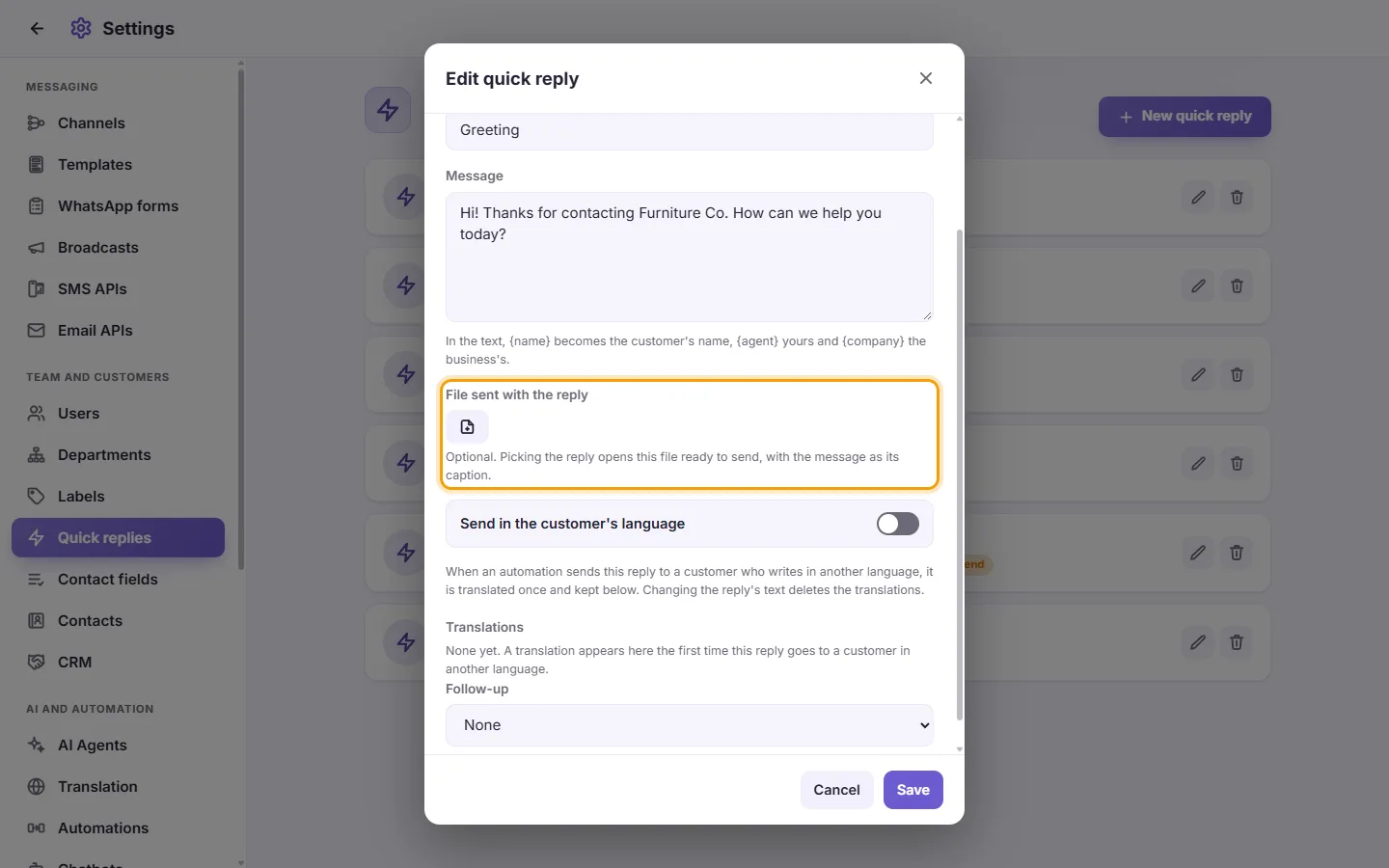
- Click "Save".
- In a conversation, pick the reply with "/" as usual. The file opens ready to send, with the reply's words as its caption. Change the caption if you want, then send.
A quick reply can also be a file with no text. An automation that sends this quick reply sends its file too.
Questions
How do I use a quick reply in a conversation?
In the message box, type "/" and the shortcut, or just "/" to see the list, then pick the reply.
An agent types "/" but sees no quick replies.
They need the "View quick replies" permission. Also check the "Quick replies" access scope in their user settings. It may limit them to some replies or to none.
Can some quick replies be used by only some users?
Yes. In Settings > Users, edit the user and set the "Quick replies" access scope to "Only" or "Except", then tick the replies.
How do I send a customer a message automatically a day later?
Make a quick reply with Follow-up set to "Auto-send", "Hours after sending" set to 24, and the message to send. When an agent sends this quick reply, the follow-up is sent 24 hours later.
More about Quick replies.