How do I send a location in SyBox?
Updated
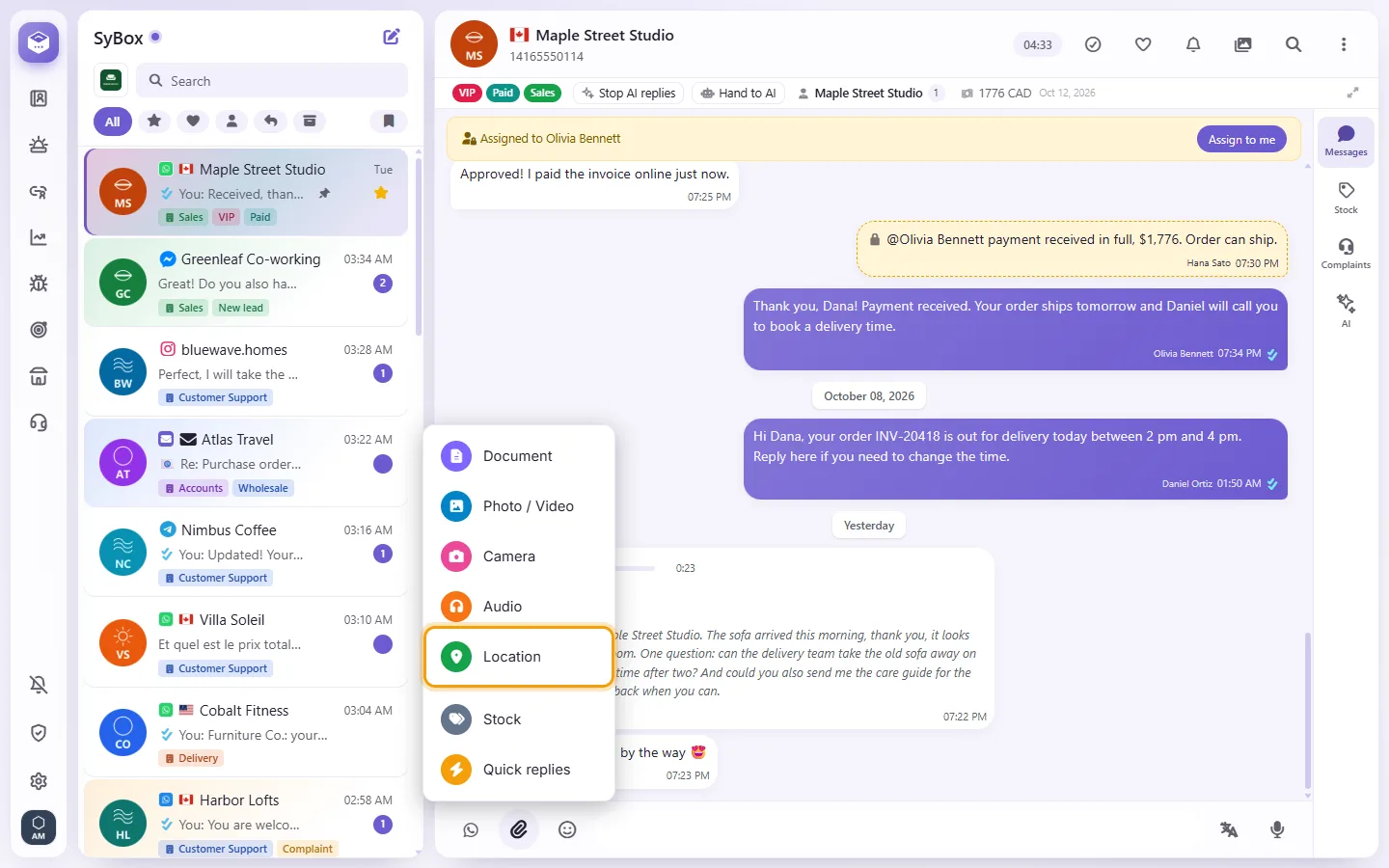
In SyBox, this is done in Inbox > Sending messages. 1) Click the paperclip and choose "Location". 2) A map opens with a pin, at the place saved on the contact if there is one. Tap the map or drag the pin to the right place, or click "Use my location". 3) Click send.
How to send a location
- Click the paperclip and choose "Location".
- A map opens with a pin, at the place saved on the contact if there is one. Tap the map or drag the pin to the right place, or click "Use my location".
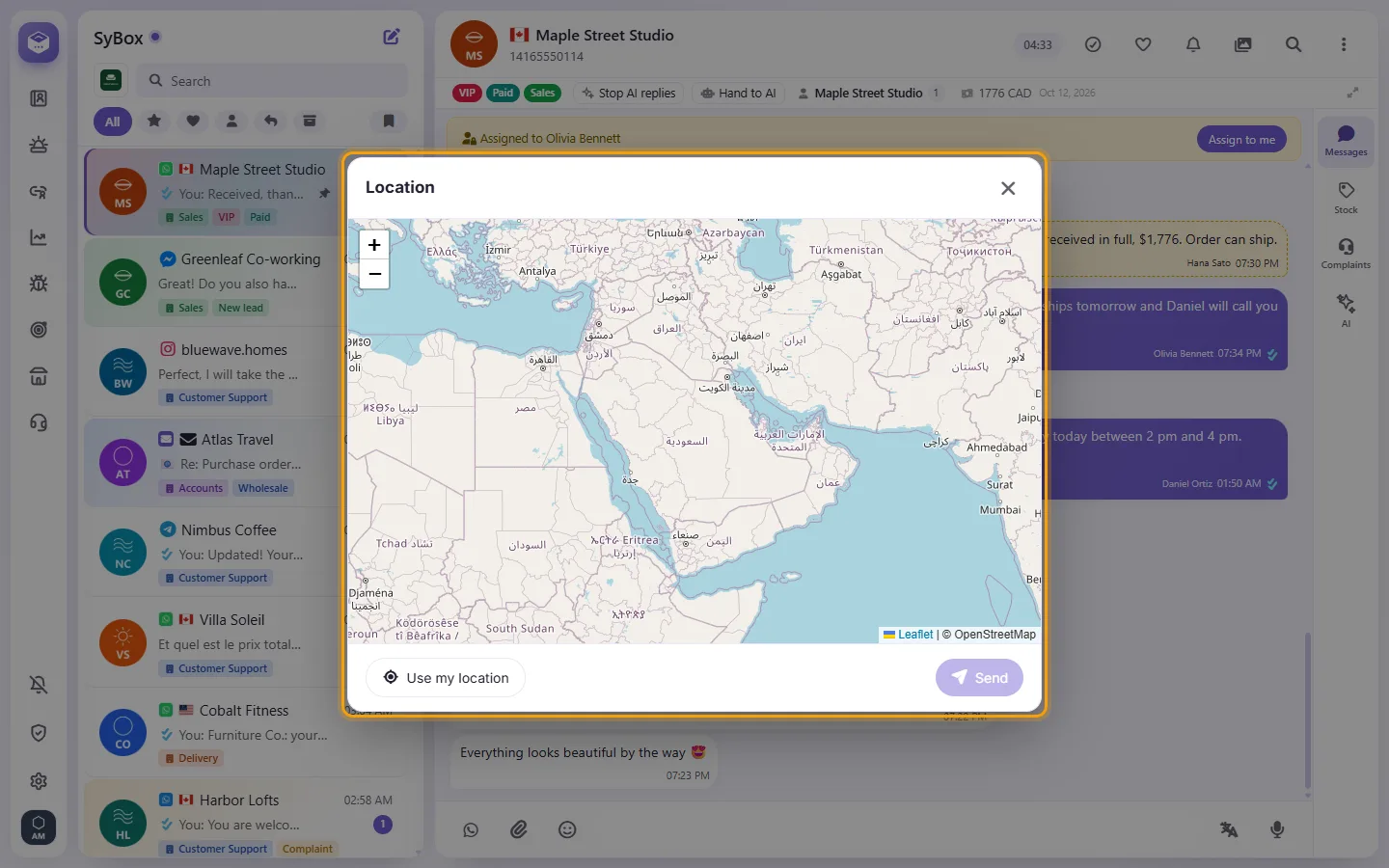
- Click send.
On WhatsApp the customer gets a location message that opens in their maps app. On the other channels they get the place's name and a Google Maps link.
Questions
What happens when a customer sends me a location?
It shows on a map in the conversation. You can click "Save location" to store it on the contact; the next time you send a location to this customer, the map opens there.
Why is there no paperclip?
You may not have permission to send media. SMS conversations are text only, and email uses its own "Attach files" button.
More about Sending messages.