How do I create a group of colleagues in SyBox?
Updated
A group is a chat between the colleagues you choose, like a WhatsApp group: for example the delivery drivers, or one branch.
How to create a group of colleagues
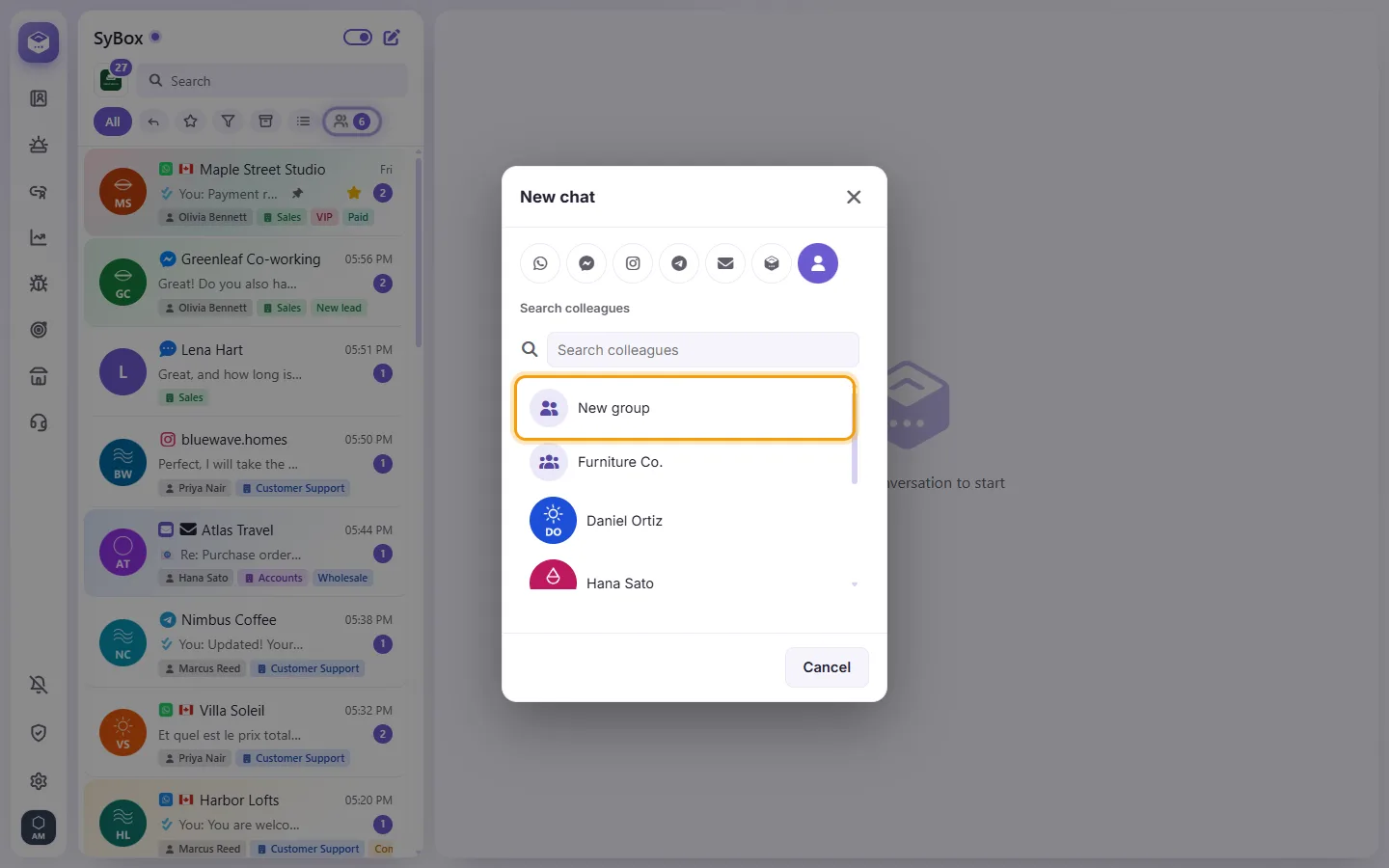
- Click "New chat" at the top of the list and choose the "Personal message" tab.
- Click "New group".
- Type the "Group name" and tick the colleagues to add ("Search colleagues" finds one quickly).
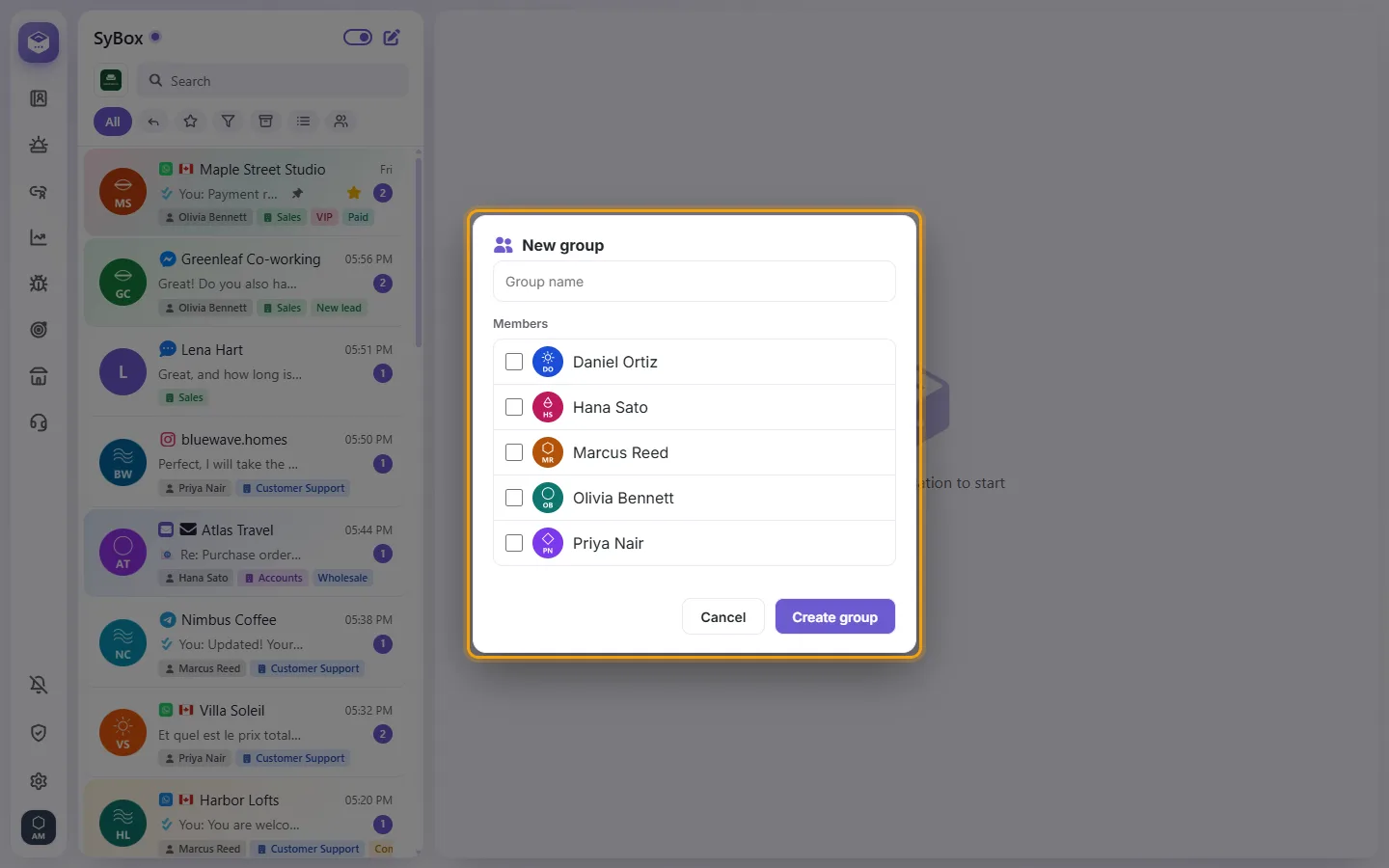
- Click "Create group". The group opens with "(your name) created the group".
Making a group needs the permission "Create groups" (Settings > Team and customers > Users). It is off for new users; the workspace admin always has it. If you do not see "New group", ask your admin. Messages you may see: "Give the group a name" and "Pick at least one colleague".
More about Team chats: personal messages and the Team room.