How do I write an internal note in SyBox (only your team sees it)?
Updated
In SyBox, this is done in Inbox > Quick replies, internal notes and mentions. 1) Click the channel button next to the paperclip and choose "Internal note". 2) The box changes colour and says "Internal message — will not be sent to the contact". 3) Type and send.
How to write an internal note (only your team sees it)
- Click the channel button next to the paperclip and choose "Internal note".
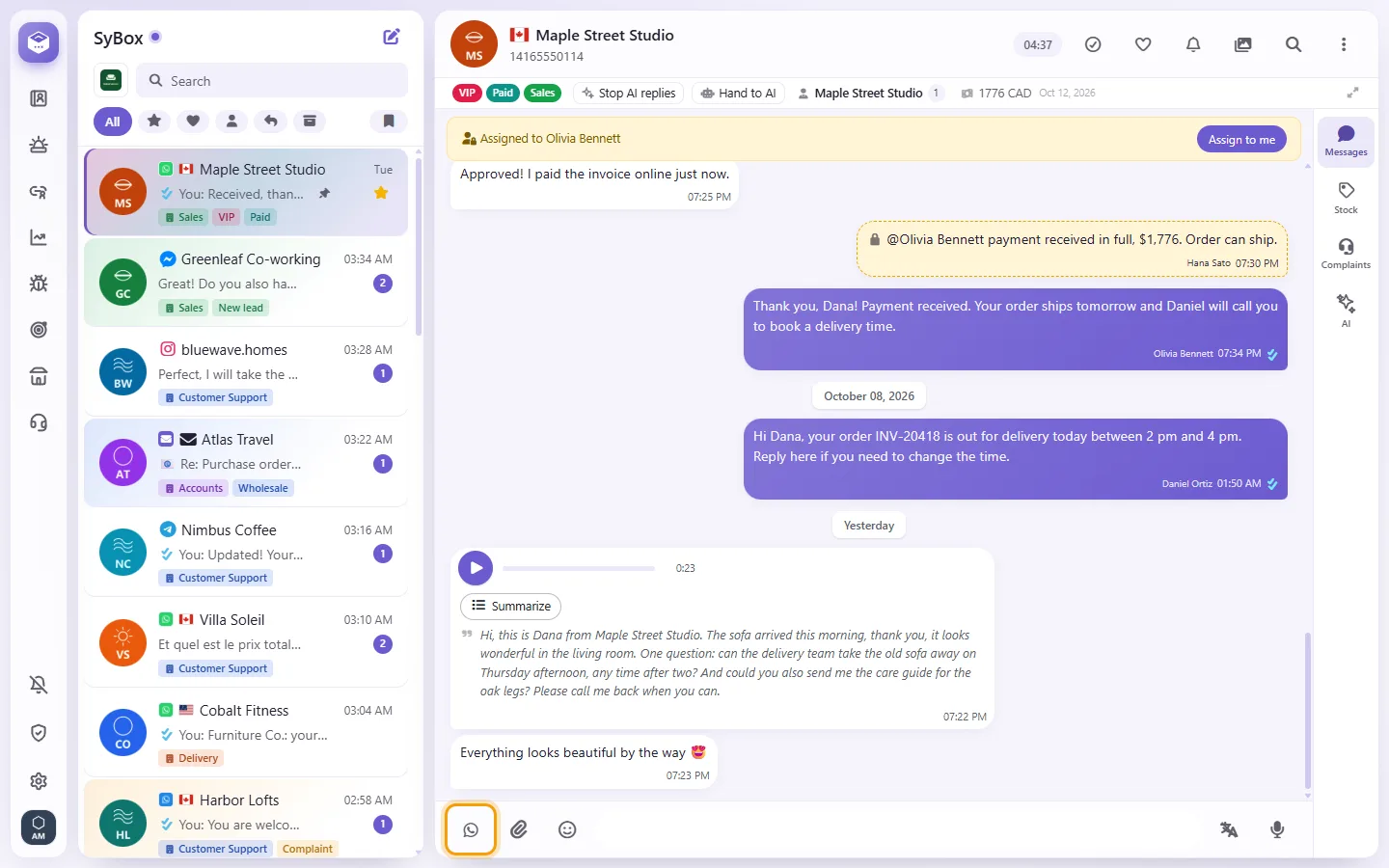
- The box changes colour and says "Internal message — will not be sent to the contact".
- Type and send.
Shortcut: type "@@@" in the box to switch to note mode, and type it again to switch back. To answer one particular message with a note, open its menu and choose "Internal reply".
More about Quick replies, internal notes and mentions.