How do I talk to a colleague on the walkie-talkie in SyBox?
Updated
In SyBox, this is done in Inbox > Walkie-talkie between colleagues.
How to talk to a colleague on the walkie-talkie
- Open your personal chat with the colleague. In its header, find the walkie-talkie button ("Walkie-talkie: hold to talk").
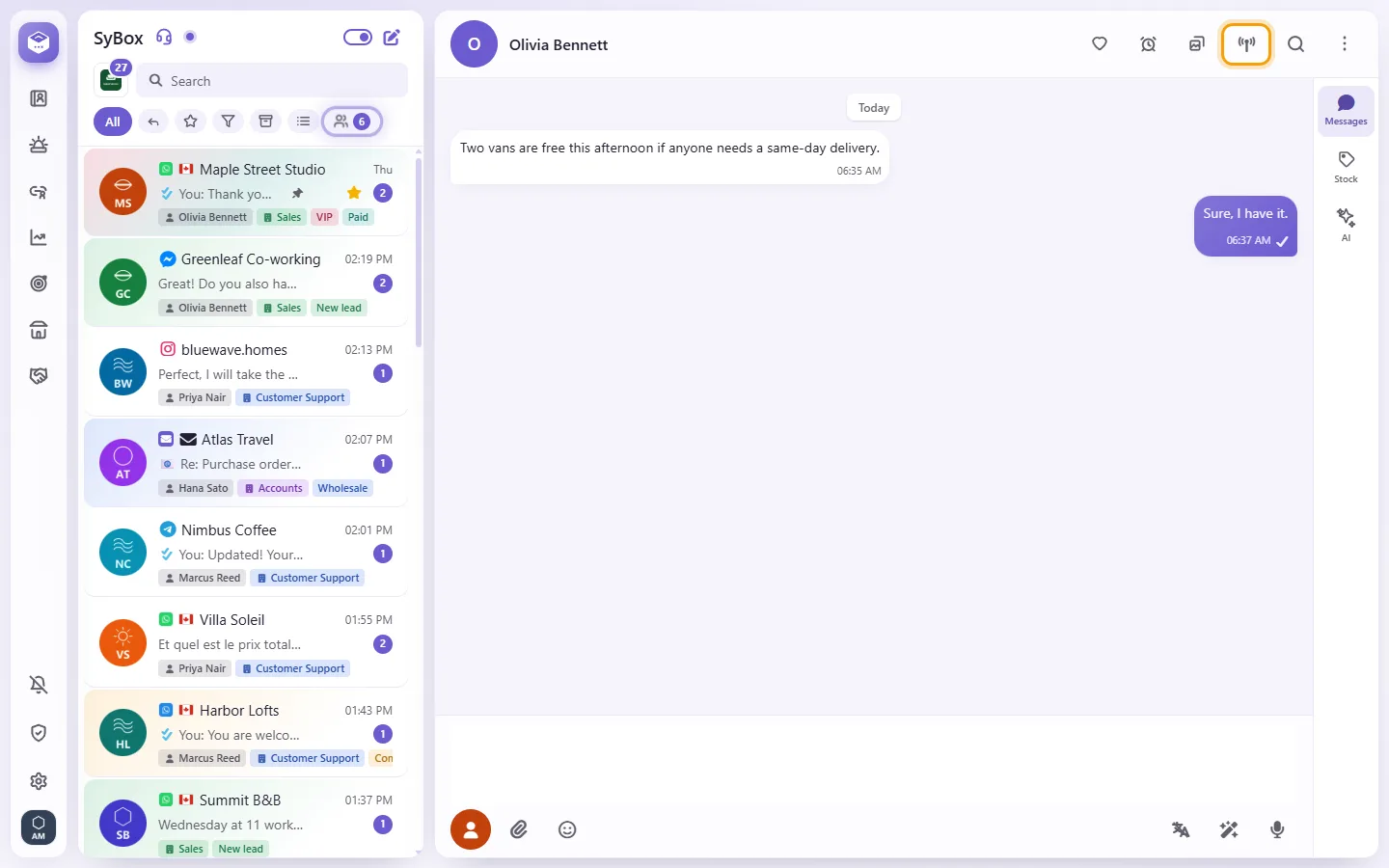
- Press and hold the button, and talk. A bar near the bottom of the screen says "Talking to (name)… release to stop".
- Let go to stop. One talk is at most one minute.
You can also hold the colleague's name or picture in the header of your chat with them, their name in the Team room, or their row in the "Personal message" tab of "New chat". A short click still does what it always did. On a keyboard, hold Space or Enter on the walkie-talkie button.
Questions
I see "Allow the microphone in your browser to use the walkie-talkie".
Your browser blocked the microphone for SyBox. Allow it in the browser's site settings, then hold the button again.
I don't see the walkie-talkie button.
It shows only in a personal chat with a colleague, not in customer conversations, groups or the Team room.
More about Walkie-talkie between colleagues.