Walkie-talkie between colleagues
Updated
Where: Inbox > Walkie-talkie between colleagues
Hold a colleague's name and talk: they hear your voice at once, in every SyBox tab they have open, like a walkie-talkie. Nothing is recorded or stored.
- Open your personal chat with the colleague. In its header, find the walkie-talkie button ("Walkie-talkie: hold to talk").
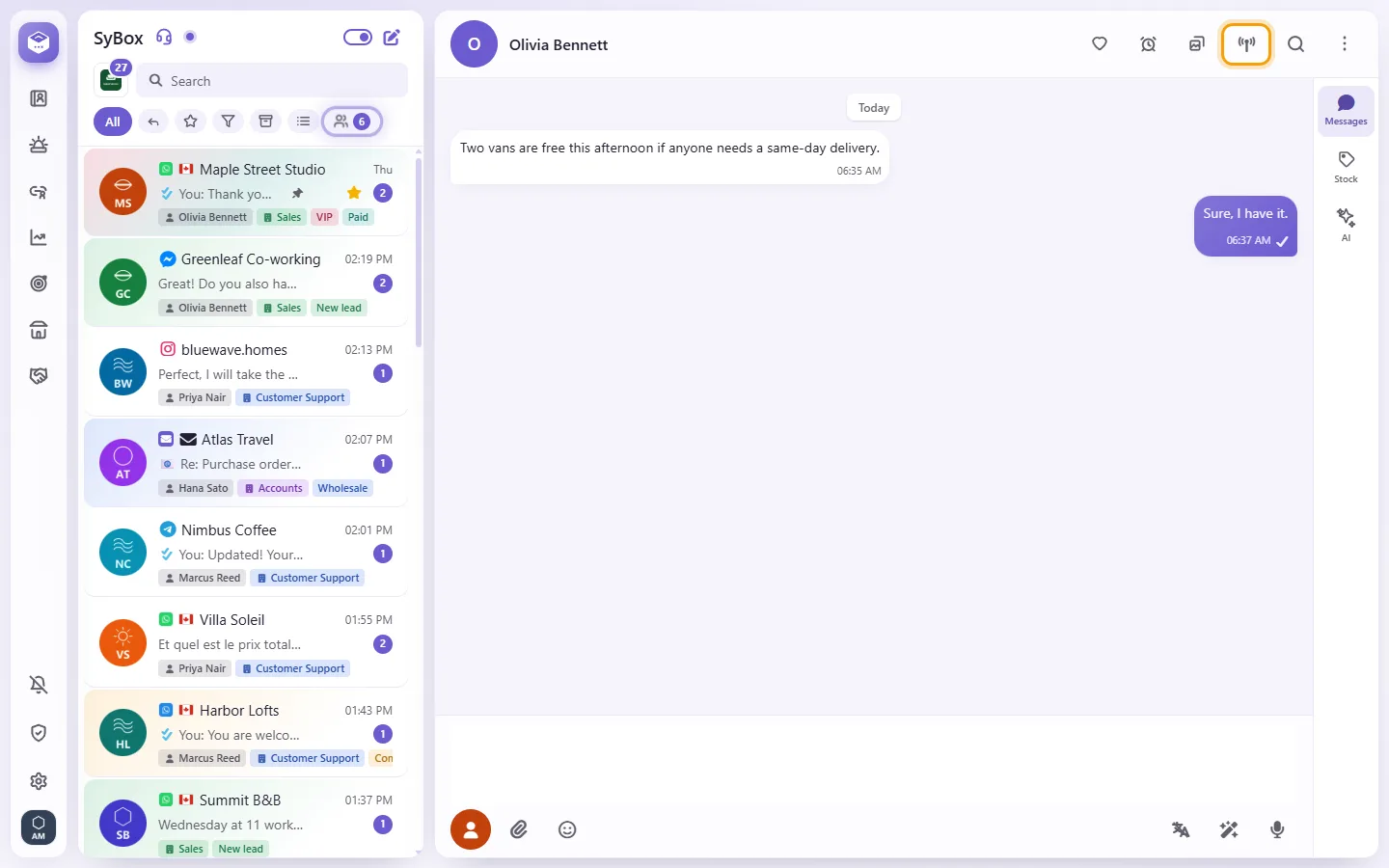
- Press and hold the button, and talk. A bar near the bottom of the screen says "Talking to (name)… release to stop".
- Let go to stop. One talk is at most one minute.
You can also hold the colleague's name or picture in the header of your chat with them, their name in the Team room, or their row in the "Personal message" tab of "New chat". A short click still does what it always did. On a keyboard, hold Space or Enter on the walkie-talkie button.
- While you talk, the bar says "(name) is hearing you" in green when their device is really playing your voice.
- It turns red with "(name) isn't hearing you", and a phone vibrates briefly, when they are not: for example their screen is locked or the app is in the background.
- If they heard nothing, you see "(name) didn't hear you. Leave a voice note instead." when you let go.
- If they have no SyBox open, you see "(name) doesn't have SyBox open right now".
Your voice is live or not at all: it is never played later. A colleague who missed it sees "(name) tried to talk to you on the walkie-talkie".
When a colleague talks to you
- A bar near the bottom of the screen says "(name) is talking", and you hear them.
- If you have not clicked anywhere on the page since you opened it, the bar shows "Tap to listen". Your browser plays sound only after one click on the page.
- Click your picture at the bottom of the left bar and choose "Preferences".
- Under "Notify me about", switch off "Walkie-talkie".
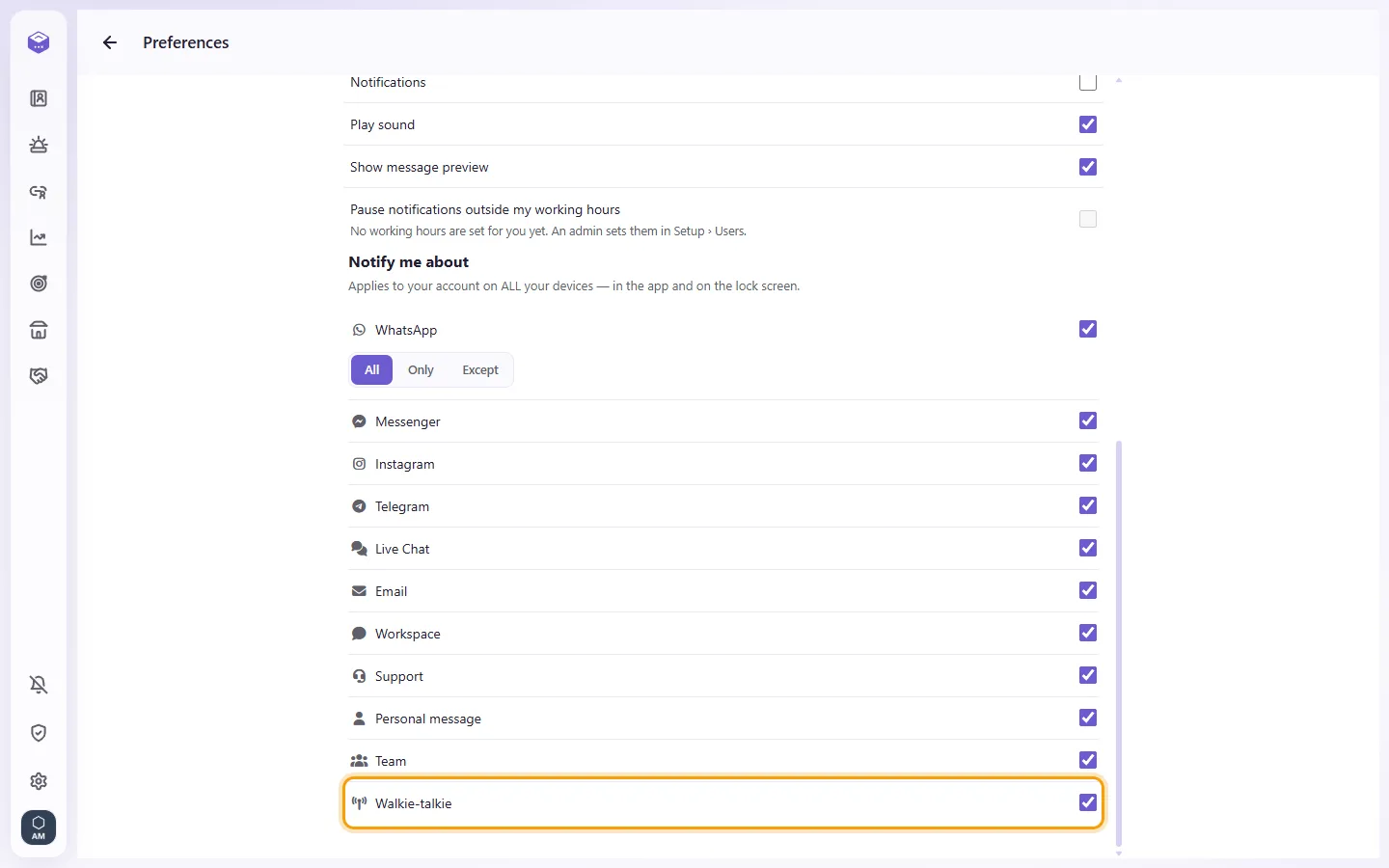
A colleague who then tries to talk to you sees "(name) has walkie-talkie notifications turned off". If you switched on "Pause notifications outside my working hours", talks do not reach you outside your hours either, and the colleague sees "(name) is outside working hours".
I see "Allow the microphone in your browser to use the walkie-talkie".
Your browser blocked the microphone for SyBox. Allow it in the browser's site settings, then hold the button again.
I don't see the walkie-talkie button.
It shows only in a personal chat with a colleague, not in customer conversations, groups or the Team room.