How do I give a conversation to whoever replies in it in SyBox?
Updated
In SyBox, this is done in Inbox > Assigning, departments and labels.
How to give a conversation to whoever replies in it
- Go to Settings > Workspace > Features.
- Switch on "Assign a conversation to whoever replies in it". It is off by default.
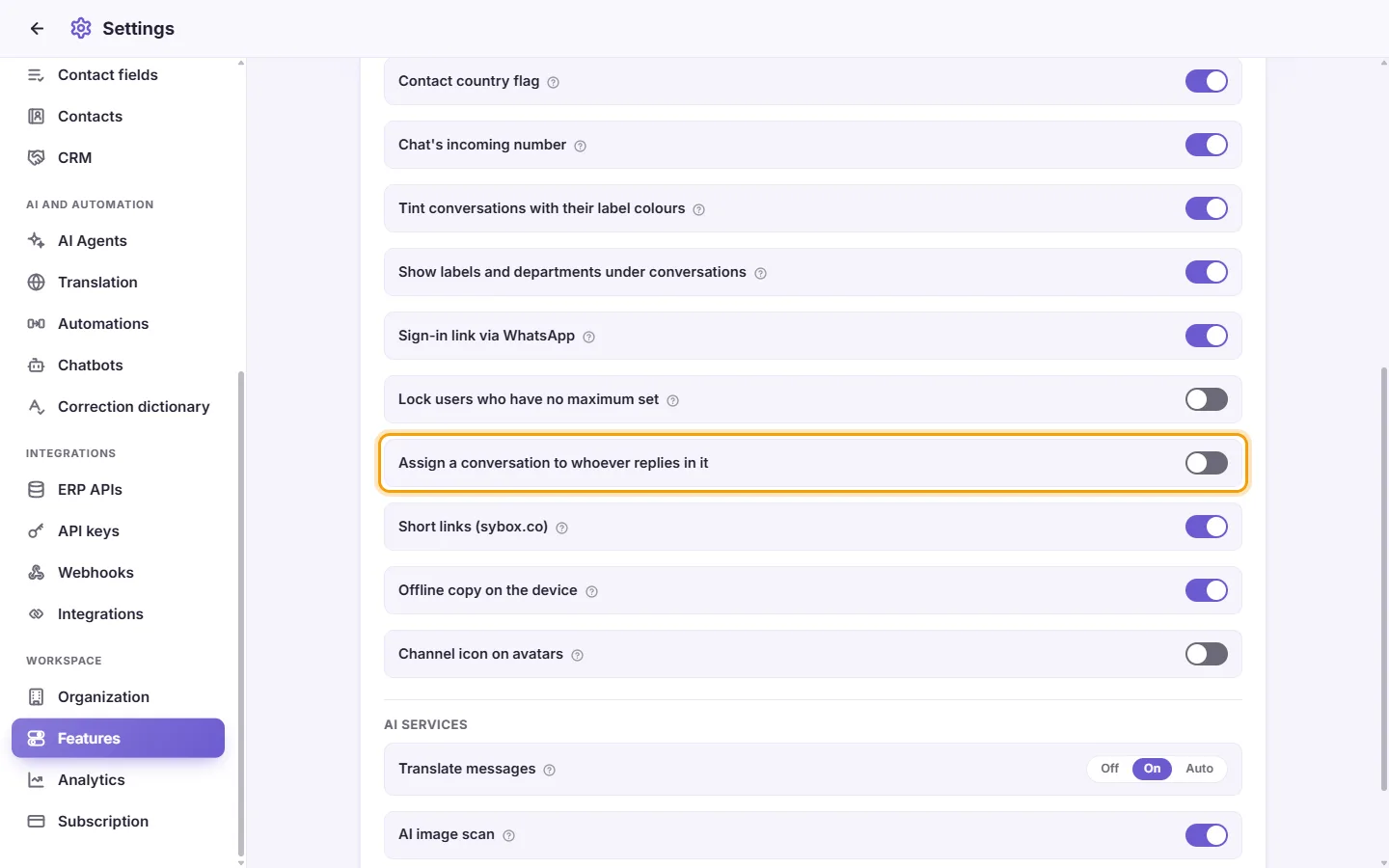
From then on, a team member who sends the customer a reply gets the conversation, even if a colleague had it. An internal note does not count.
The main admin is never moved without being asked. A conversation nobody holds stays unassigned when the admin replies. When the admin replies in a conversation a colleague holds, SyBox asks "Assign this conversation to you?" ("It is assigned to (name). Your answer applies to your replies for the next 24 hours."). Click "Assign to me" or "Leave it". The answer counts for 24 hours, so the admin is asked at most once a day.
More about Assigning, departments and labels.