How do I set what customers see when they open a chat with your Page in SyBox?
Updated
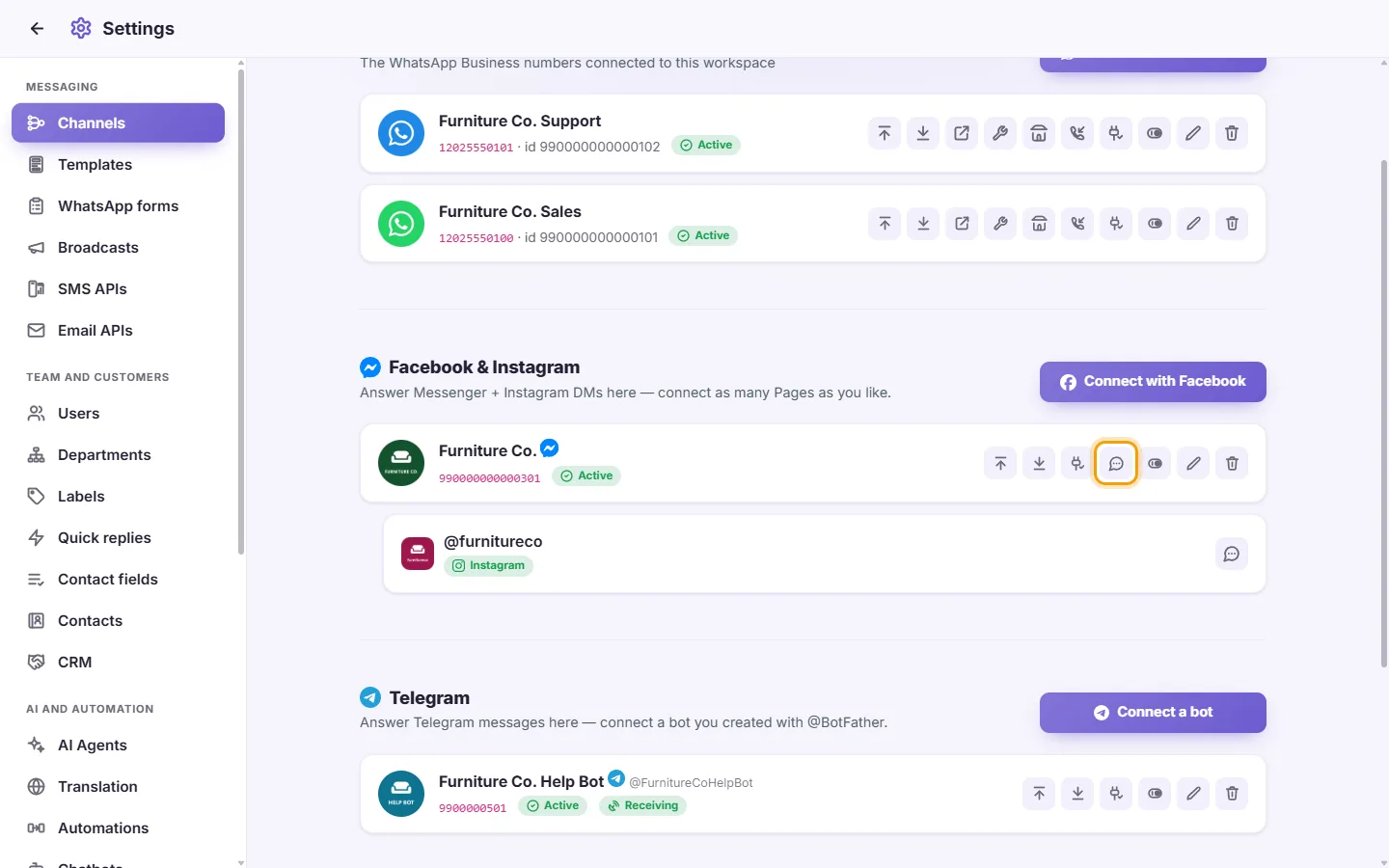
In SyBox, this is done in Settings > Messaging > Channels (Facebook & Instagram).
How to set what customers see when they open a chat with your Page
- On the Page's card, click "Messenger profile" (the speech-bubble icon). For the Page's Instagram account, click "Instagram profile" on its Instagram line.
- Messenger only: type the "Greeting before the first message (up to 160 letters)", and tick "Show a Get Started button" if you want one.
- Under "Suggested questions (up to 4)", click "Add" and type a question.
- Under "Menu beside the message box (up to 5)", click "Add", type the item's words, and a link if it should open a page ("Link (optional: empty = the item is sent as a message)"). On Messenger a menu needs the Get Started button, so it is turned on with it.
- Click Save.
A tap on Get Started, a suggested question, a menu item or any button arrives in the inbox as the customer's message, so your chatbots, automations and AI agents see it too. A customer who opens the chat from an ad or an m.me link is counted as coming from that ad.
If you see "This page's connection lacks the permission to change its profile", click "Renew token" beside the Page's status on its card, then try again.
Questions
My reply to a comment says "This comment was deleted or hidden on Facebook, so it can't be answered any more." Why?
The customer deleted the comment, or it was hidden on the Page, before your reply went out. Facebook and Instagram accept no reply to it. The reason shows once, under your reply; the comment is marked deleted. To reach the customer, write to them in Messenger or Instagram messages if they have written to you there.
My Page sends messages but does not receive them. What do I do?
Click Check status. If the subscription line shows a problem, click "Connect with Facebook" again and tick that same Page. Connecting it again repairs the connection.
I removed my last Page and SyBox asks "Fully disconnect from Facebook?"
Your Facebook account still has other Pages connected, possibly in another workspace. "Disconnect everything" removes access to all of them. Cancel keeps them.
More about Channels.